Opening and closing the day
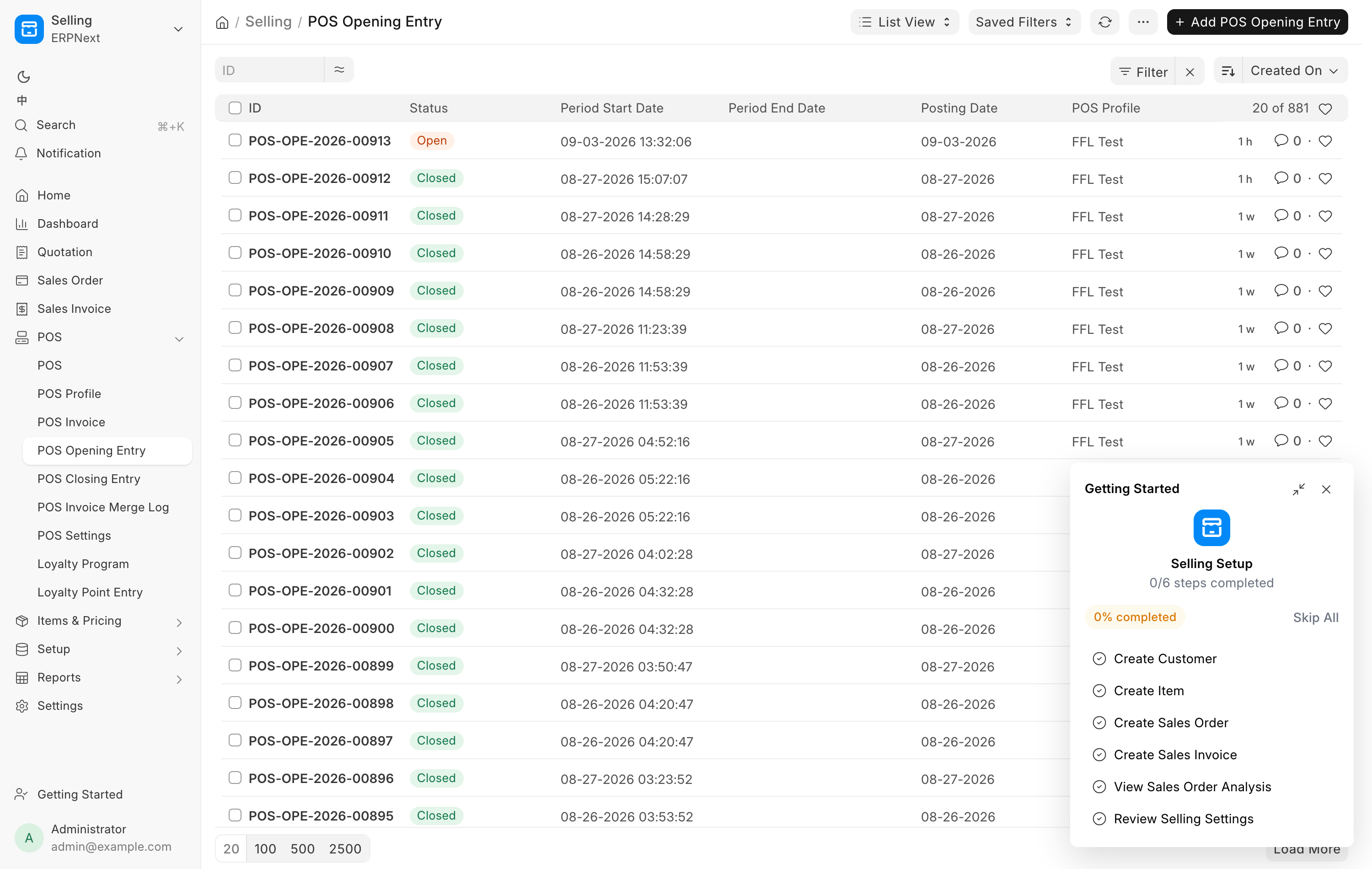
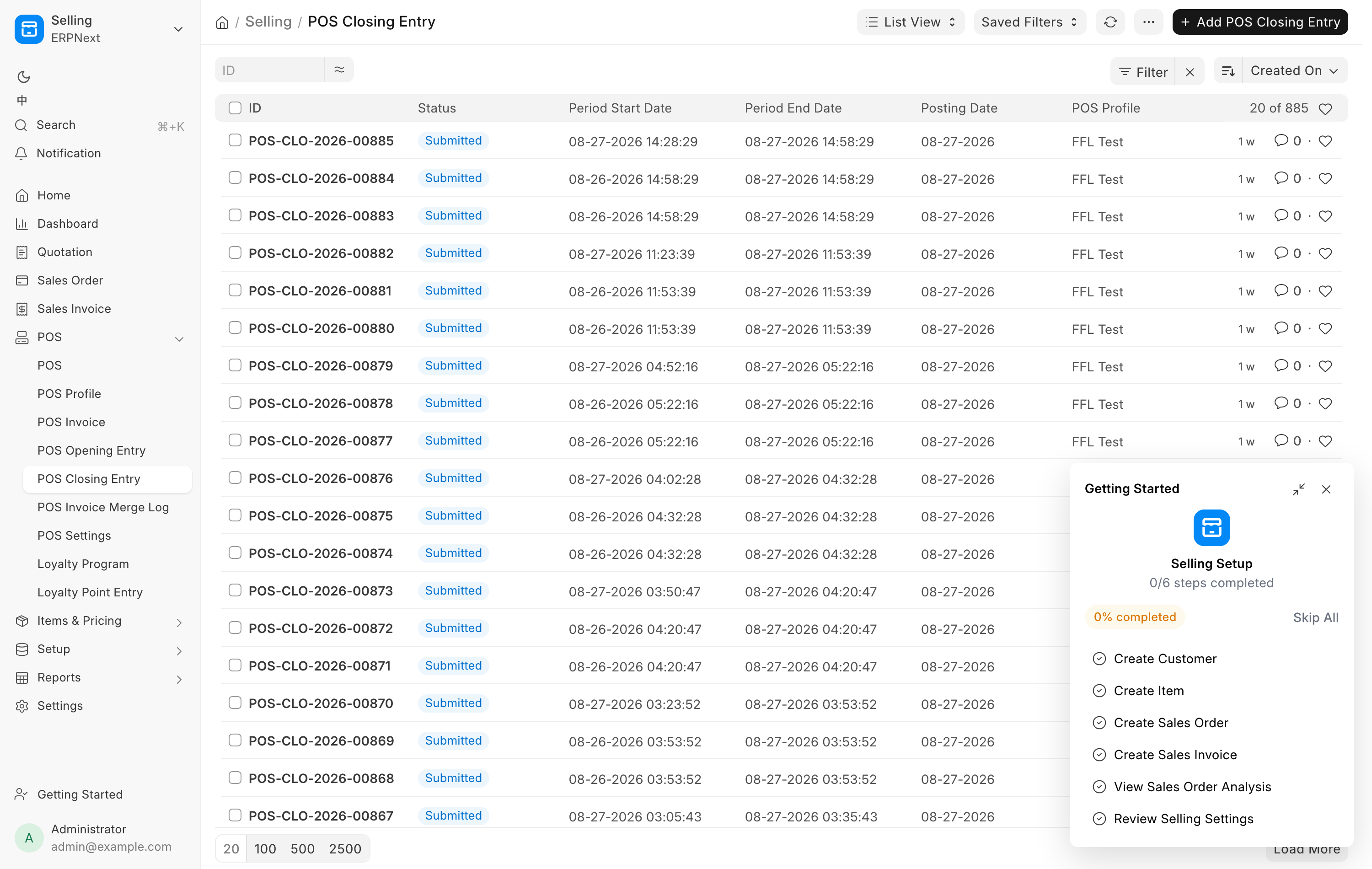
The register runs on shifts. A shift starts with a POS Opening Entry and ends with a POS Closing Entry. The day ends when someone counts the drawer with Close the day on the Cash Drawer page, which closes every open shift at the same time. A job at 23:00 closes any shift still open, but it never counts the cash.
Opening the register
If no shift is running when you open the register, the Create POS Opening Entry dialog appears.
- Check Company.
- Pick the POS Profile.
- In Opening Balance Details, enter an Opening Amount for each mode of payment, or leave them at zero.
- Click Submit.
The drawer's own opening figure does not come from this dialog. The Cash Drawer page carries the last count forward as the next day's opening.
Several clerks, one shift
Only one shift runs on the register at a time, and everyone shares it. The second person to open the register that day is put into the shift that is already open, whoever started it.
That is a deliberate change. Out of the box, ERPNext resumes a shift only for the person who opened it while also refusing to let anyone open a second one on the same profile, which leaves the second clerk unable to do either. Here, if you have your own open shift the system uses it, and otherwise it puts you into the register's open shift.
Your name is still on your own sales
Sharing a shift does not share credit. Each invoice records the person who rang it, and each 4473 attestation records the person who confirmed it.
Closing the day
At the end of the day, count the drawer and click Close the day on the Cash Drawer page. That one step:
- closes every register shift still open and posts the day's register sales,
- books any difference between the count and the books, with a reason when it is large,
- carries the count forward as the next day's opening.
The count is the only record of the cash in the drawer. Nothing else in the system counts it.
The nightly close
At 23:00 store time, every shift still marked Open is closed automatically, and submitting each closing posts that shift's register sales. By the time anyone arrives the next morning the books are done.
Three details worth knowing:
- The nightly close does not count the drawer. Its closing carries the cash the books expect and is marked as not counted. If nobody closed the day, the Cash Drawer page shows the day as not counted and books nothing for it. The next real count covers every day since the last one.
- Card, Zelle and the other modes are taken as the system recorded them.
- A shift opened in the last hour before the job runs is left alone, and the next night's run takes it.
Firearm sales do not wait for any of this. A firearm invoice is posted the moment the sale completes, so the gun leaves inventory at the sale rather than overnight. See Selling a firearm.
Closing a shift by hand
Use Close the day on the Cash Drawer page. It closes the shifts and counts the drawer together.
ERPNext's own Close the POS in the register menu still works and closes one shift, but the cash figure on that closing is never a count. The drawer still reads as not counted until someone uses Close the day.
Forcing a stale shift closed outside the register is limited to Sales Manager, Stock Manager and System Manager.
What to check the next morning
Five minutes, starting on the Dashboard.
- Cash drawer card. Yesterday should have been counted. If the card still reads Not counted from yesterday, count the drawer now. See The cash drawer.
- Open 4473s. Ring the Delayed customers whose Brady date has arrived, and clear out anything denied. See Daily checks.
- Waiting on pickup. Ring whoever's gun has sat longest. See Customer transfers.
- A&D. Not logged should read 0. Review anything that needs a person. See FastBound.
- Notifications. The bell carries NICS results, new web and GunBroker orders, distributor shipments and bound-book refusals. A sale that could not be posted raises a to-do for managers rather than failing silently, and the to-do closes itself once the sale posts. See Notifications.
If anything from yesterday is still Open on the POS Opening Entry list, last night's close did not run or the shift was opened too late for it. Close the day on the Cash Drawer page.
When a sale does not post
There is a known gap in the standard close, and the system works around it. ERPNext's closing entry only picks up invoices created by the person who opened the shift. On a shared register, a sale rung up by anyone else is skipped, and because the close runs once per shift it is never picked up again. The sale shows in the Sales Report while its stock and ledger never post, and nothing complains.
A sweep runs every fifteen minutes and catches exactly this. It re-posts:
- Any firearm invoice whose immediate posting failed. These are never delayed or batched, because a sold gun has to leave stock.
- Any invoice from the last thirty days that the nightly close left behind, fifty at a time, originals before their returns.
If an invoice keeps failing, the sweep raises a to-do for managers naming it. A shift left Open for more than three days is treated as abandoned and stops holding its invoices back, so a forgotten shift cannot quietly bury a week of sales.
Troubleshooting
| Message you see | What it means | Fix |
|---|---|---|
| Please add Mode of payments and opening balance details. | The opening dialog has no payment rows | Pick a POS Profile so its payment modes load, then enter the amounts |
| POS Opening Entry Cancelled | The shift you were on was cancelled | Refresh the page and open a new shift |
| Outdated POS Opening Entry | The register is holding a shift that has moved on | Refresh the page |
| POS Closing Failed on a closing entry | Posting the shift's sales hit an error | Open the closing entry, read Error, and click Retry |
| A register shift did not close after Close the day | Your count is saved, one shift is not | A manager closes that shift by hand |
| A shift from a previous day is still Open | The nightly close missed it | Close the day on the Cash Drawer page, then check that yesterday's sales posted |