OpenGunstore Guide
OpenGunstore is the counter and back-office system for a single-store federal firearms licensee. Counter staff, inventory staff and the back office all work in it, and the card below that matches your job is where to start.
It runs on ERPNext, and everything a gun shop needs is built on top of that: the bound book, Form 4473 and NICS at the register, the FastBound sync, the cash drawer, the store map and stock counts, the WooCommerce store and GunBroker listings. Optional extensions add more, switched on per store under Extensions: guns sent out to partner dealers on consignment, distributor drop-ship for the web store, California compliance flags and the store assistant.
Start here
-
Counter staff
You ring up sales, run 4473s and take money.
Point of Sale · Selling a firearm · Customer transfers · Customers · Taking payment · The cash drawer · Opening and closing the day
-
Inventory and receiving
You book guns in, price them and put them on the shelf.
Receive Goods · Trade-ins · Items and serials · Storage locations · Counting the shop · Photos · The bound book
-
Manager and back office
You watch the money, the compliance queues and the settings.
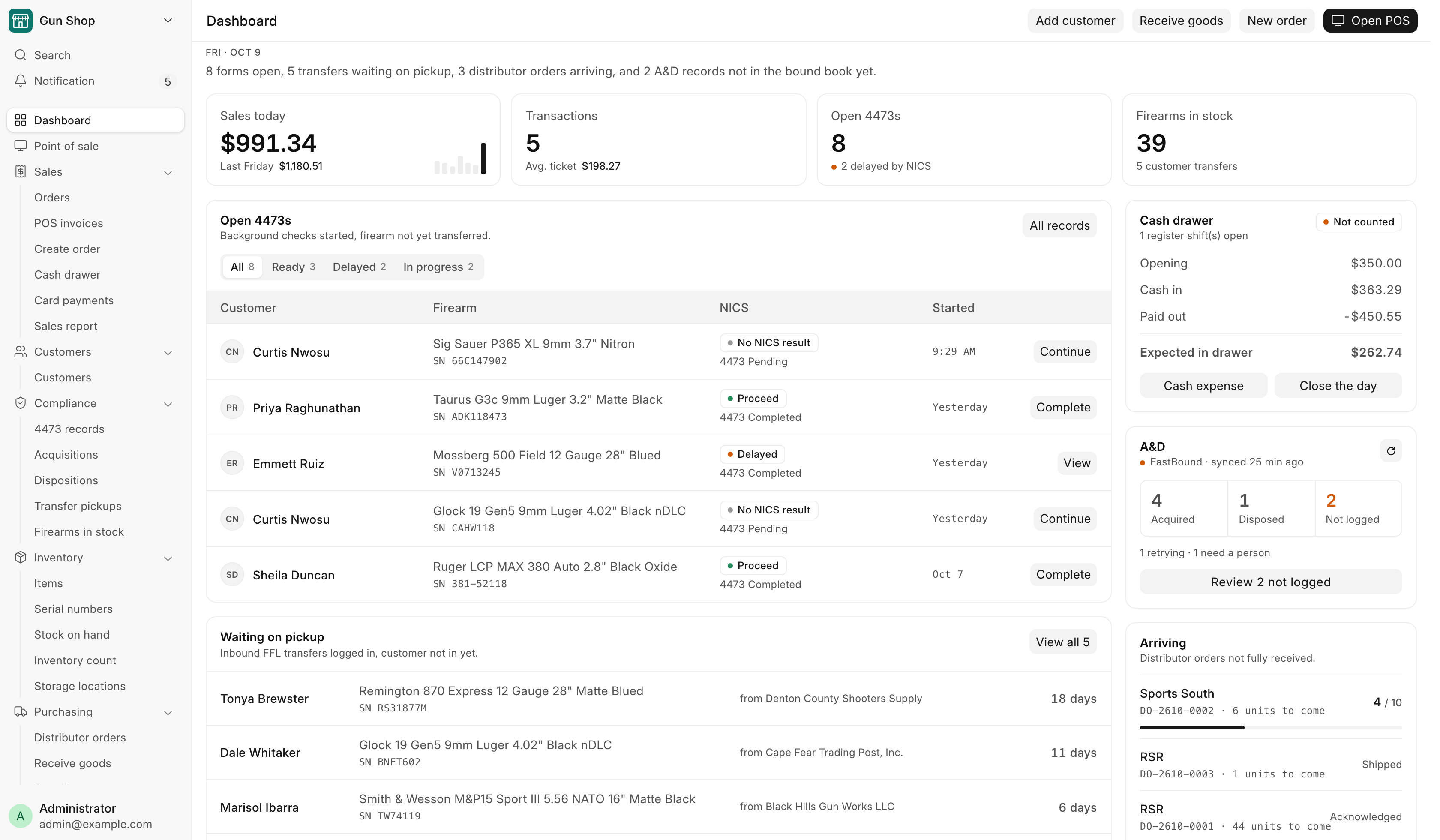
The Dashboard · Daily checks · 4473 records · Sales Report · Month end · FFL Settings · Integrations
New to the system? Read Getting started first. It covers signing in, the Dashboard and the sidebar, search and dark mode. Then check Who can do what to see which pages your login opens.
How the pieces fit
One record follows a gun from the door to the buyer. A firearm arrives through Receive Goods, which creates its Serial No record, asks where it goes on the shelf, books the acquisition into the bound book, then pushes it to FastBound. While it sits in the safe it can be listed on the web store, on GunBroker, or sent to a partner dealer on consignment. When it sells, the 4473 gate holds the order until the form and the background check clear, and only then does the sale complete, the disposition post and the gun leave stock. The money side flows into the cash drawer, the Sales Report and the accounts.