Inventory
Everything about getting guns and goods into the system, describing them, knowing where they sit, counting them, and fixing them when something goes in wrong. Counter staff take trade-ins and use the store map; stock managers receive goods, finish counts and use the correction tools.
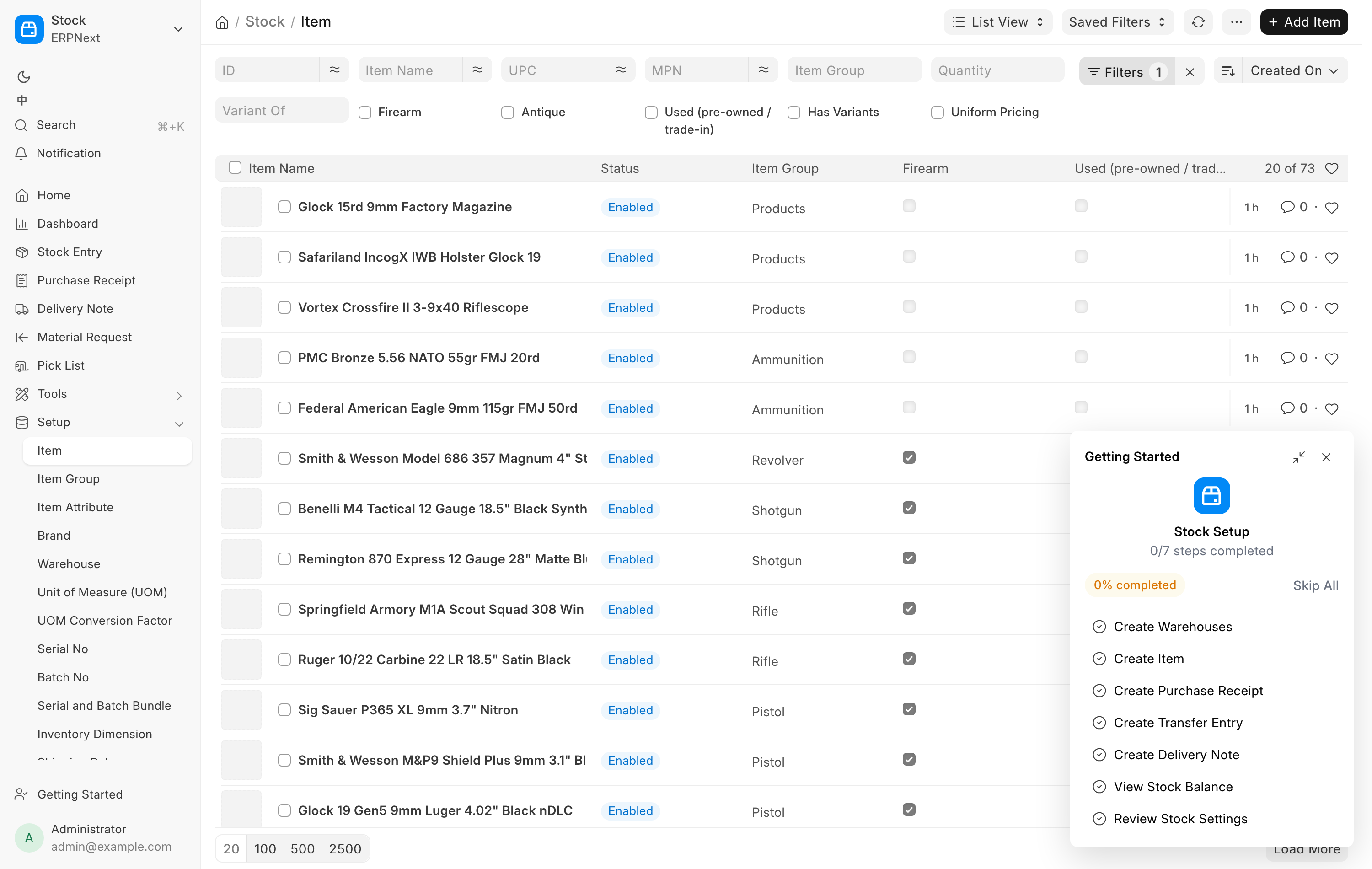
The Inventory group in the sidebar holds Items, Serial numbers, Stock on hand, Inventory count and Storage locations. Receive goods sits under Purchasing, and the Dashboard has a Receive goods button.
I need to...
| I need to... | Go to |
|---|---|
| Book in a shipment from a distributor or another dealer | Receive Goods |
| Receive a parcel ordered on a distributor's website or by phone | Receive Goods, Incoming shipments |
| Buy a gun from a private party and pay them | Receive Goods, Acquisition Source Individual, then Pay the seller |
| Take a gun in trade against a sale, or buy it at the counter | Trade-ins |
| Log a customer's gun that arrived for a transfer | Receive Goods, FFL Transfer (customer's gun) |
| Set or change a price | Items and serials |
| Record barrel length, finish, condition, year made | Items and serials |
| Add photos to one gun, or to twenty | Photos |
| Find where a gun sits, or put stock in a location | Storage locations |
| Place something that was sold or received without a location | Storage locations |
| Count the shop, or a section of it | Counting the shop |
| Fix one item's count, or add found stock | Corrections |
| Fix a mistyped serial number | Corrections |
| Fix a wrong cost on a gun already in stock | Corrections |
| Move a gun to a different model record | Corrections |
| Check what the bound book says about a gun | The bound book |
Items and serial numbers
An Item is a model, not an object. It is one row in the catalog that carries everything true of every unit: the model name, the caliber, the firearm type, the UPC, the description, the photos of the model. A Serial No is one physical gun. It carries what is true only of that gun: its serial number, its condition, its cost, its own price, its own photos, the warehouse and the storage location it sits in, and its link into the FastBound bound book. Ten Glock 19s are one Item and ten Serial No records.
Every firearm in this system is serial-tracked, without exception. That is not a preference, it is what makes the rest work. The bound book records physical guns, so an acquisition, a disposition and a Form 4473 all point at a serial number, never at a model. A sale has to remove one identified gun from the books. Federal recordkeeping only makes sense one gun at a time, so the system refuses to hold a firearm any other way: bulk stock tools will not touch a serial-tracked item, and receiving a gun without a serial is not possible.
Non-firearm stock works the ordinary way. Ammunition, holsters, cleaning kits and gun parts are Items with a quantity and no serial numbers, and the bulk stock tools apply to them.
Item groups
The item group decides whether an item is a firearm. Firearms are filed under Firearm: Pistol, Revolver, Rifle, Shotgun, Other Firearm and Receiver, plus the NFA group for suppressors, SBRs, SBSs and the other NFA classes. Gun parts such as uppers, barrels and triggers go under Parts and are not firearms. Accessories and ammunition have their own groups. New and used guns share the same groups: the Used tick on the item marks a used model. The full list is on Items and serials.